
Export your manuscript
Download your book as a Word file or plain text, or the whole series as one project file.
Open your book's Publish tab. In the book card, click ↓ DOCX for a Word manuscript or ↓ Markdown for plain text, which arrives as a .txt file.
The download holds every chapter in order, published or not, with your latest edited text. The Word file uses a standard manuscript layout: 12-point Times New Roman, double-spaced, each chapter on a new page.
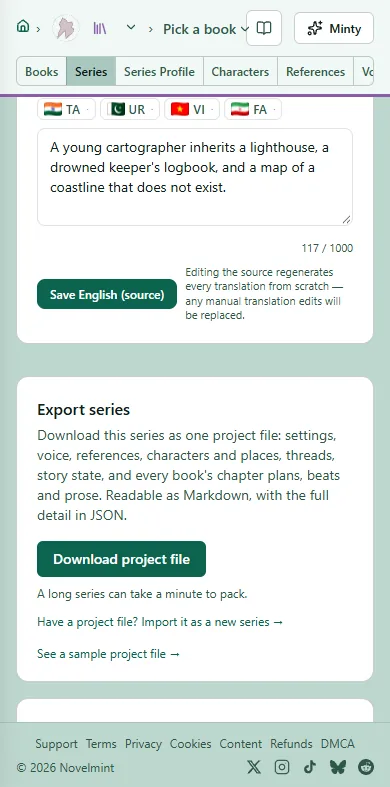
To take everything, open the series' Series tab and click Download project file under Export series. You get one file with every book's beats and prose, plus characters, places, threads and settings, readable as Markdown with the full detail in JSON. It's free on every plan.
For a copy of everything in your account, go to Account, open Settings, and click Download ZIP under Download my data.

Related
Steps checked against the Studio on November 11, 2026.