
Rename a character
Change a character's name across your beats and story bible.
Open your book's References tab and click Find & Replace. The Characters page shows a name but doesn't change it.
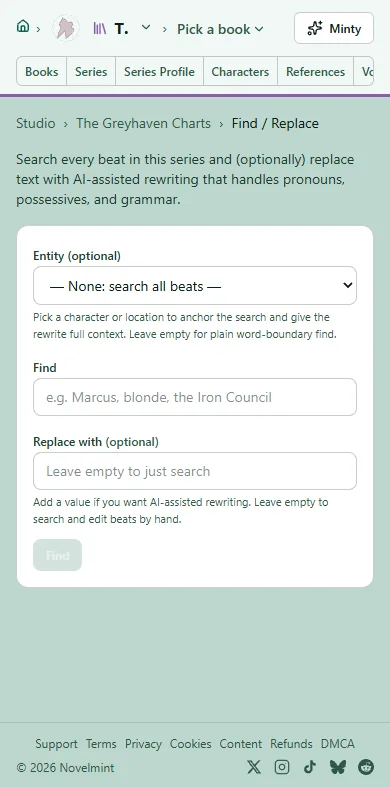
Under Entity (optional), pick the character. In Find, type their current name exactly. In Replace with, type the new name, then click Find. The AI rewrites each match so pronouns and grammar still fit.
Check each change and click Apply or Skip, or Apply all remaining. Then click Save. You'll see "Entity renamed in the registry." The old name is kept as an alias.
Prose you've already built keeps the old name. Build those chapters again with Update to carry the new name into the prose.
Have a stray character, such as "Unknown Man", who is really someone you already have? On the References tab, find them in the list and click Merge into…. Pick the real character and choose which name to keep under Name. Merging is free and doesn't change any prose.

Related
Steps checked against the Studio on November 11, 2026.