
What a beat is, and how to add, edit and move one
Plan a chapter as a short list of moments, then shape each one.
A beat is one moment in a chapter: an exchange, an action or an image you'll later turn into prose. A chapter is a list of beats, and building the chapter writes its prose from them.
On the Timeline, expand a chapter. In an empty chapter, click Add the first beat. To add one after an existing beat, expand that beat and click New beat in the row under it, or click a dot on the line between two beats.
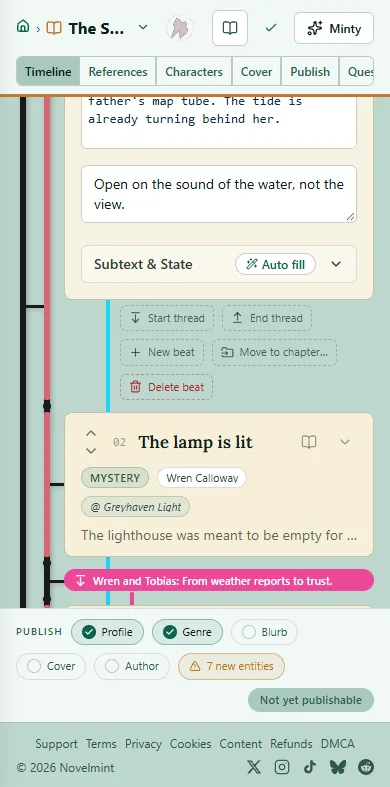
Expand a beat to edit it: its title, mode, point of view, what happens, and AI Prose Guidance, notes for the AI that readers never see. Subtext & State holds what goes unsaid. Changes save on their own.
Move a beat with the up and down arrows at its left edge. To move it to another chapter, expand it and click Move to chapter….
To delete a beat, expand it, click Delete beat, then Yes, delete.
On a phone, press and hold a beat for a menu with Edit, Add beat after, Move up, Move down, Move to chapter… and Delete beat.

Related
Steps checked against the Studio on November 11, 2026.