
Plot threads
Track a storyline, a question or a relationship across beats, chapters and books.
A thread is a storyline that runs through your series: a mystery, a romance, a promise. It starts at one beat and ends at a later one, and it can pause and pick up again. Threads belong to the whole series, so one can run across books.
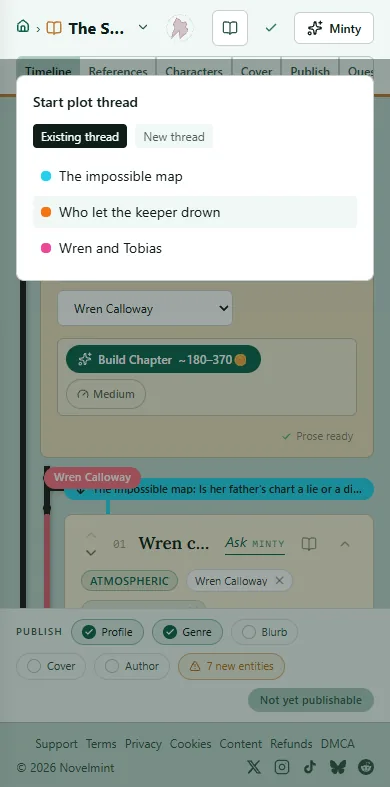
On the Timeline, expand a chapter, then the beat where the thread starts. Click Start thread in the row under it.
Under New thread, type a title and, if you like, a description, pick a color and click Create. To pick up a thread you already have, choose it under Existing thread.
To close the thread, expand a later beat, click End thread and pick the thread.
Each thread shows as a colored line beside your beats, with its title where it starts. Click the title to rename it or change its color.

Related
Steps checked against the Studio on November 11, 2026.