
See what you've spent credits on
Find every credit you've spent, grouped by what it paid for.
Open Account settings, then Money, then Usage. Or click your balance in the header and pick Spent Credits.
Where your credits went shows your total, split by what it paid for: writing, covers and portraits, audio, translation, import, chat and reading.
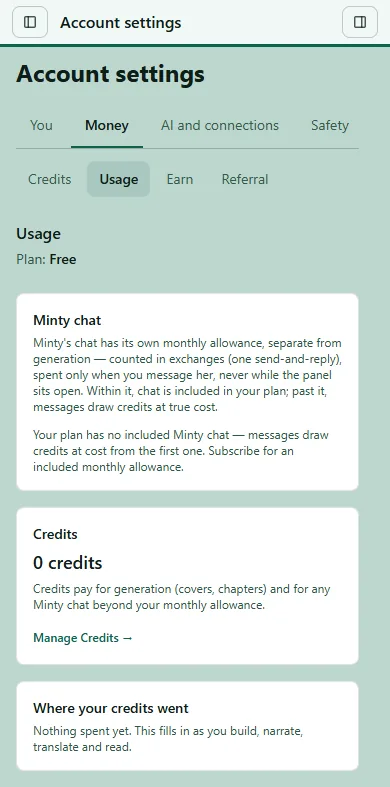
Scroll to Every entry to see each charge on its own, newest first. Use Older and Newer to page through.
A refund comes off the charge it reverses, so a build that failed and was paid back doesn't count against you.

Related
Steps checked against the Studio on November 26, 2026.